


Self-Order Kiosks
Self-Order Kiosks
Touchscreen ordering – menu managed centrally in the CMS
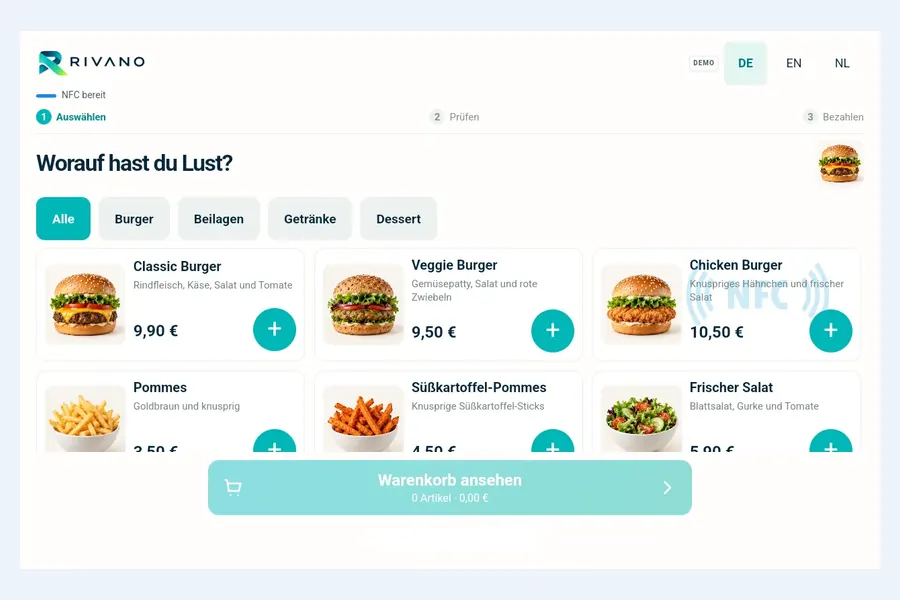
With Rivano your guests order at a touch kiosk themselves: choose a category, add products to the basket, review the order. You manage products, prices, images and colours centrally in the Rivano CMS and publish them to your kiosks like any other content.
- Categories, product images and a basket with quantities and total
- Interface in German, English and Dutch – switch language without losing the basket
- Change products and prices centrally, also for several sites
- Keeps running offline; updates apply only after the current order
- Touch kiosks and software from a single source
For your guests
Order quickly, without queuing at the counter
The interface is built for short paths: large buttons, clear categories and a preview of every selected product. Nobody leaves a half-filled basket behind.
- Choose a language: German, English or Dutch
- Select products: by category, with image, description and price
- Review the basket: change quantities, remove products, see the total
- Automatic reset: back to the start after a configurable idle time, with a warning first
For your team
One CMS for kiosks, menu boards and screens
In Rivano the ordering kiosk is content like any other. You publish it through a playlist with review and approval and assign it to your kiosks. That way you control ordering kiosks, menu boards and digital signage in the same system.
- Separate catalogues per site or concept, for example burgers and café
- Adjust heading, colours, start language and idle time per catalogue
- Approval before publishing, status of every kiosk in the CMS
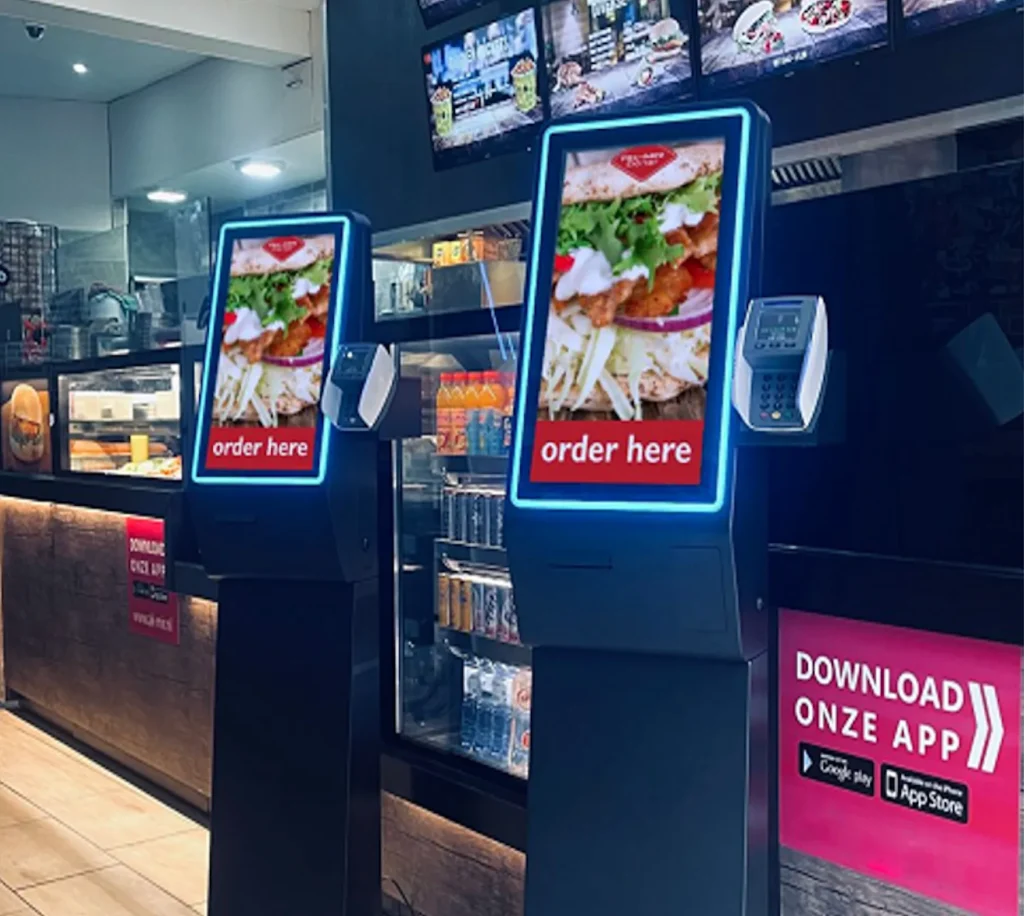
- Tested on all-in-one touch systems with NFC reader and LED status bar
- Hosting in Germany or on-premises
Frequently asked questions about self-order kiosks
What is a self-order kiosk?
A touch terminal where guests order themselves: select products, review the basket, place the order. It relieves the counter and shortens waiting times.
Who are self-order kiosks for?
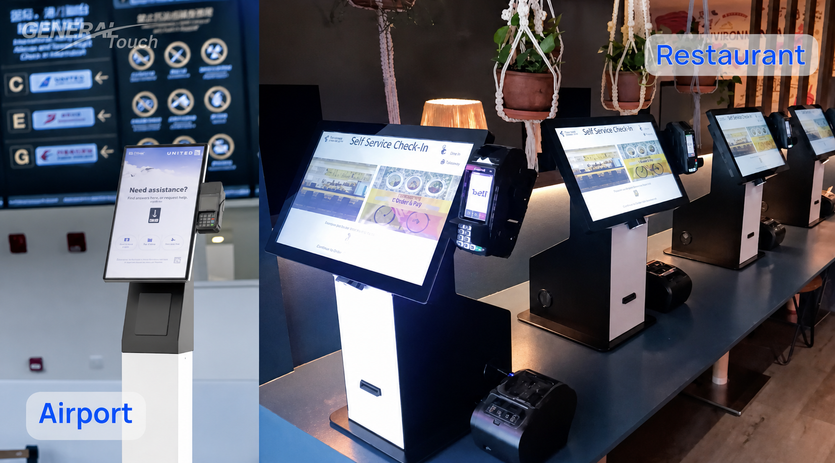
Quick-service restaurants, cafés and bakeries, canteens, food courts, airports and railway stations, cinemas and leisure venues.
Can I change products and prices myself?
Yes. You manage products, descriptions, prices, images and colours in the Rivano CMS. Changes reach the kiosks after review and approval. An order in progress keeps its prices.
Does the kiosk work without internet?
Yes. Kiosks store the catalogue and images locally and also start without a connection. New content arrives as soon as the connection is back.
Is card payment at the kiosk possible?
We have implemented and demonstrated contactless card payment via SoftPOS directly on the kiosk with a payment partner, on all-in-one systems with NFC. Payment provider and merchant contract for live operation are agreed with you per project.
Are orders passed on to the POS or kitchen?
We set up the connection to POS and kitchen systems per project. Talk to us about your system.
What hardware do I need?
An Android touch kiosk, for example an all-in-one system from STiNO with NFC reader and LED status bar. We advise you on size, enclosure and mounting.
Technology & Solution Partners
STiNO works with trusted technology partners to deliver reliable, scalable, and future-ready digital communication and interactive display solutions.




Let’s Start a Conversation
Whether you’re planning a project or need expert advice, our team is ready to assist you with tailored solutions.